
RoomDJ
Class song voting, minus the bad words. Students suggest songs and vote on what plays next from their Chromebooks. The teacher's computer plays the winners. A filter keeps it school-clean.
Why I made it
I'm Dalton, a high school engineering and CS teacher in New Jersey. Music in the room makes work time better. Taking requests out loud does not: half the class shouts, the other half asks for songs I cannot play at school, and I end up DJing instead of teaching. So I built a thing. Kids pick, kids vote, the filter says no so I don't have to.
How a class works
- The teacher opens a room at roomdj.com/host and signs in with Spotify. The class code goes up on the board.
- Students join at roomdj.com with the code. They get a made-up nickname like "Brave Otter". No accounts, nothing to type about themselves.
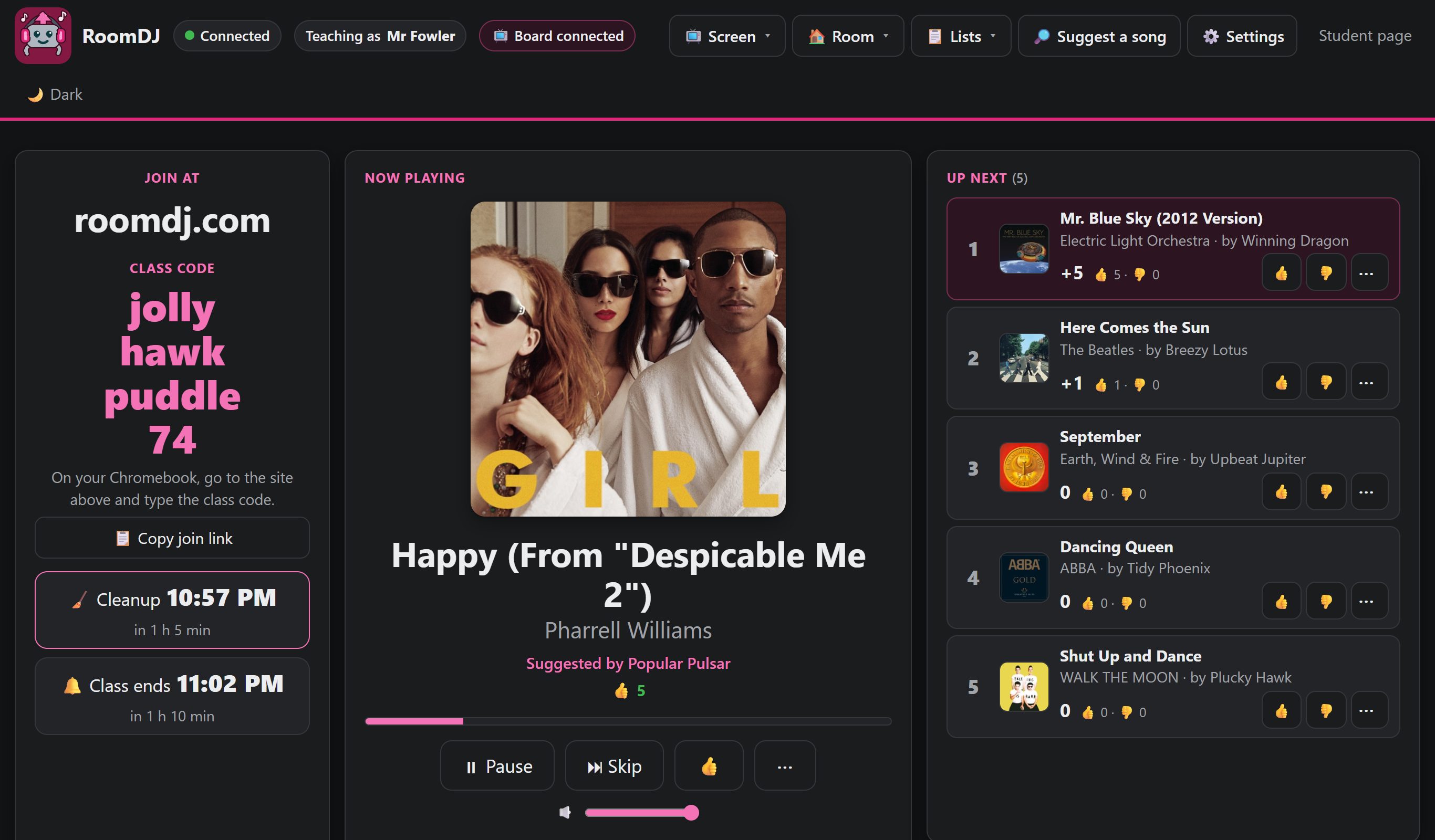
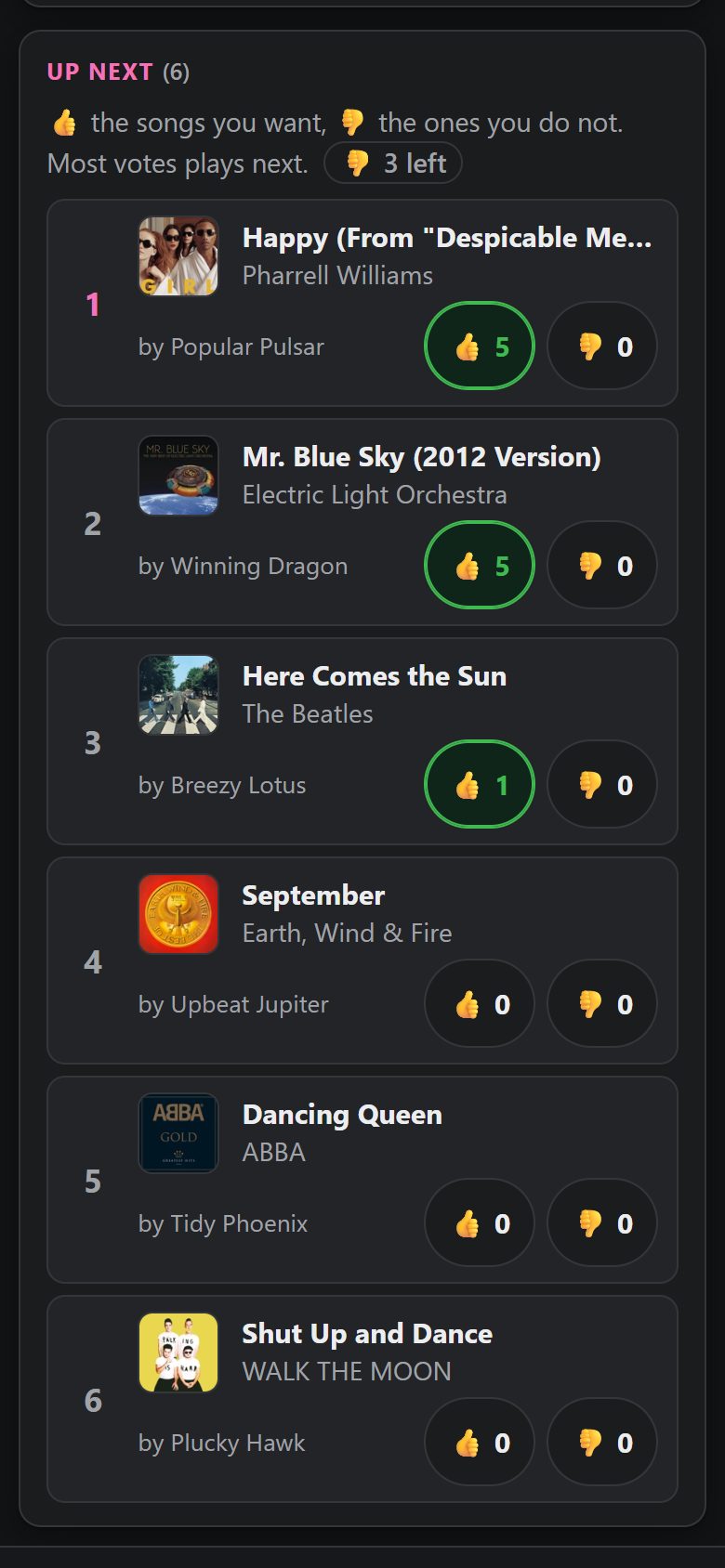
- They suggest and vote. Every suggestion is checked first. The song with the most votes plays next on the teacher's computer.
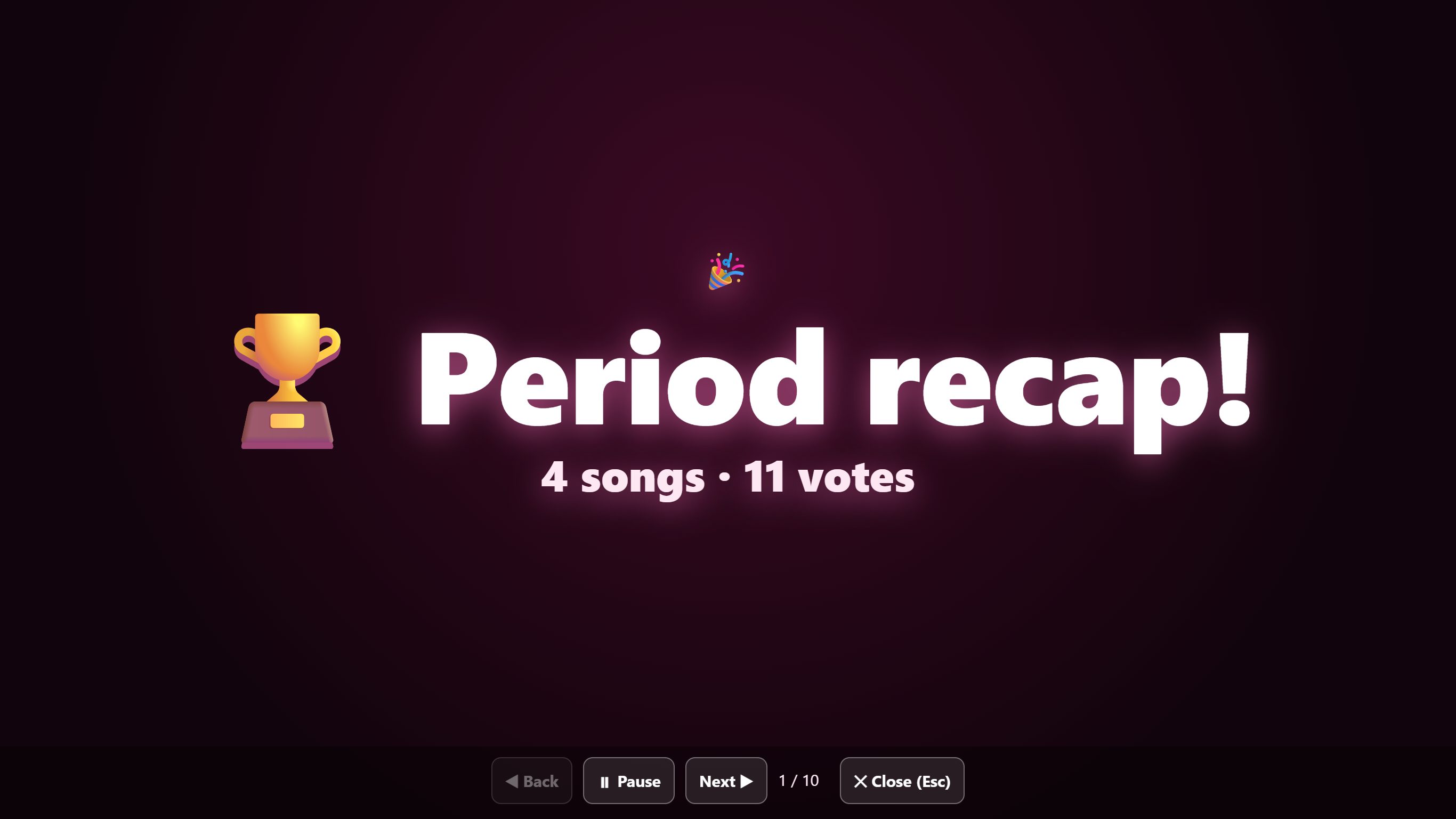
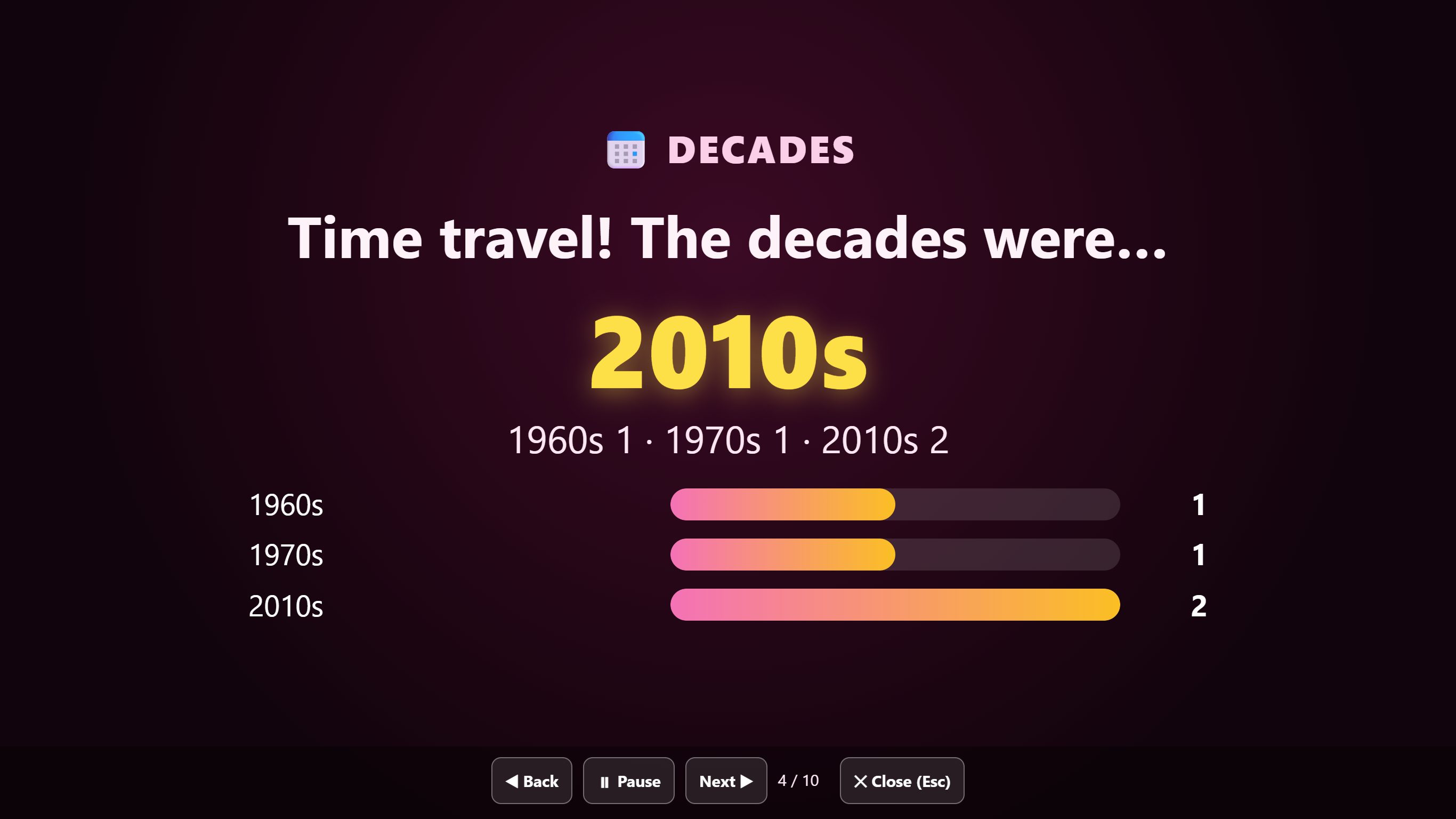
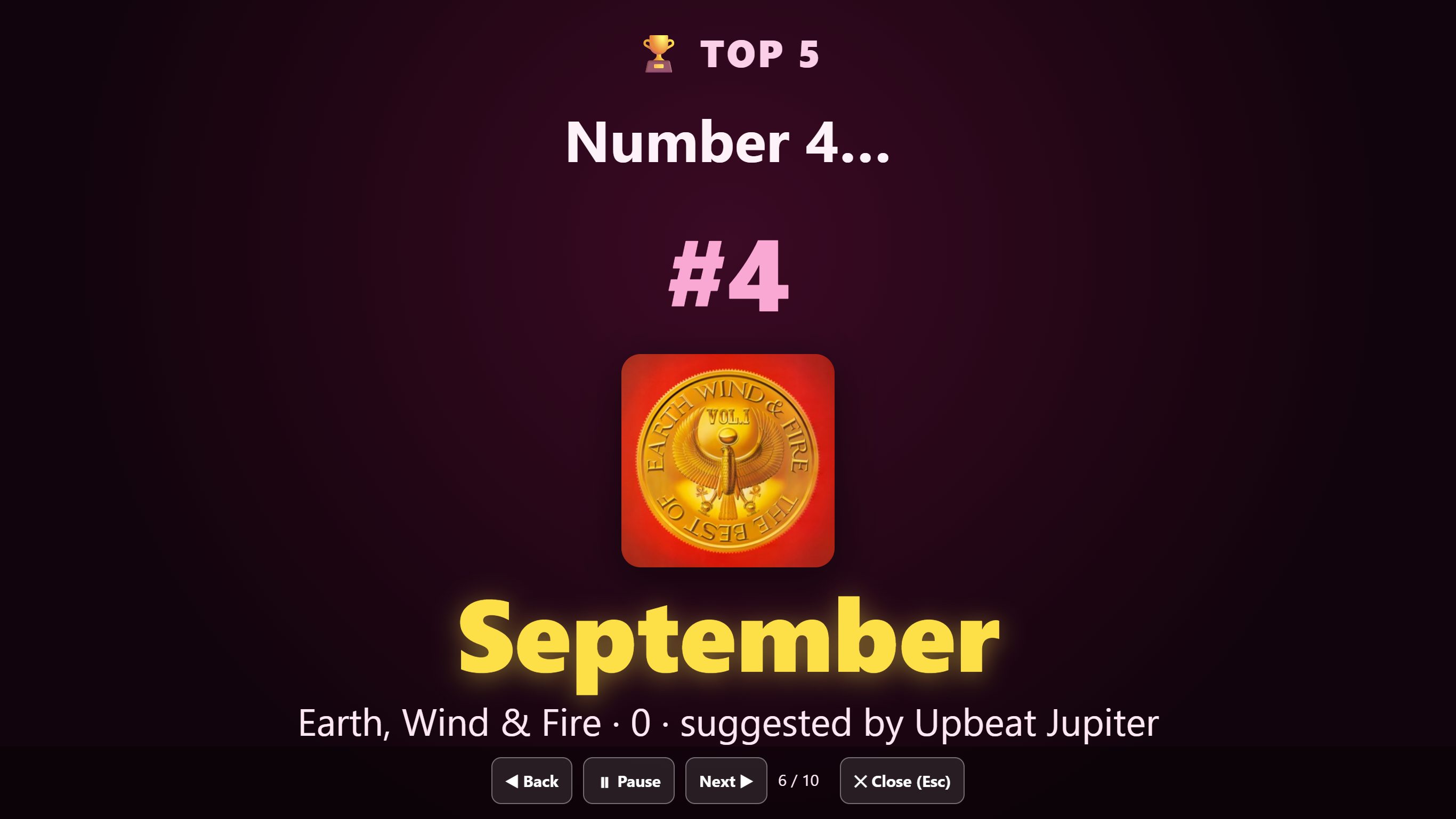
- At the end, a quick recap: the class's Top 5, who picked the crowd favorite, a few fun stats.
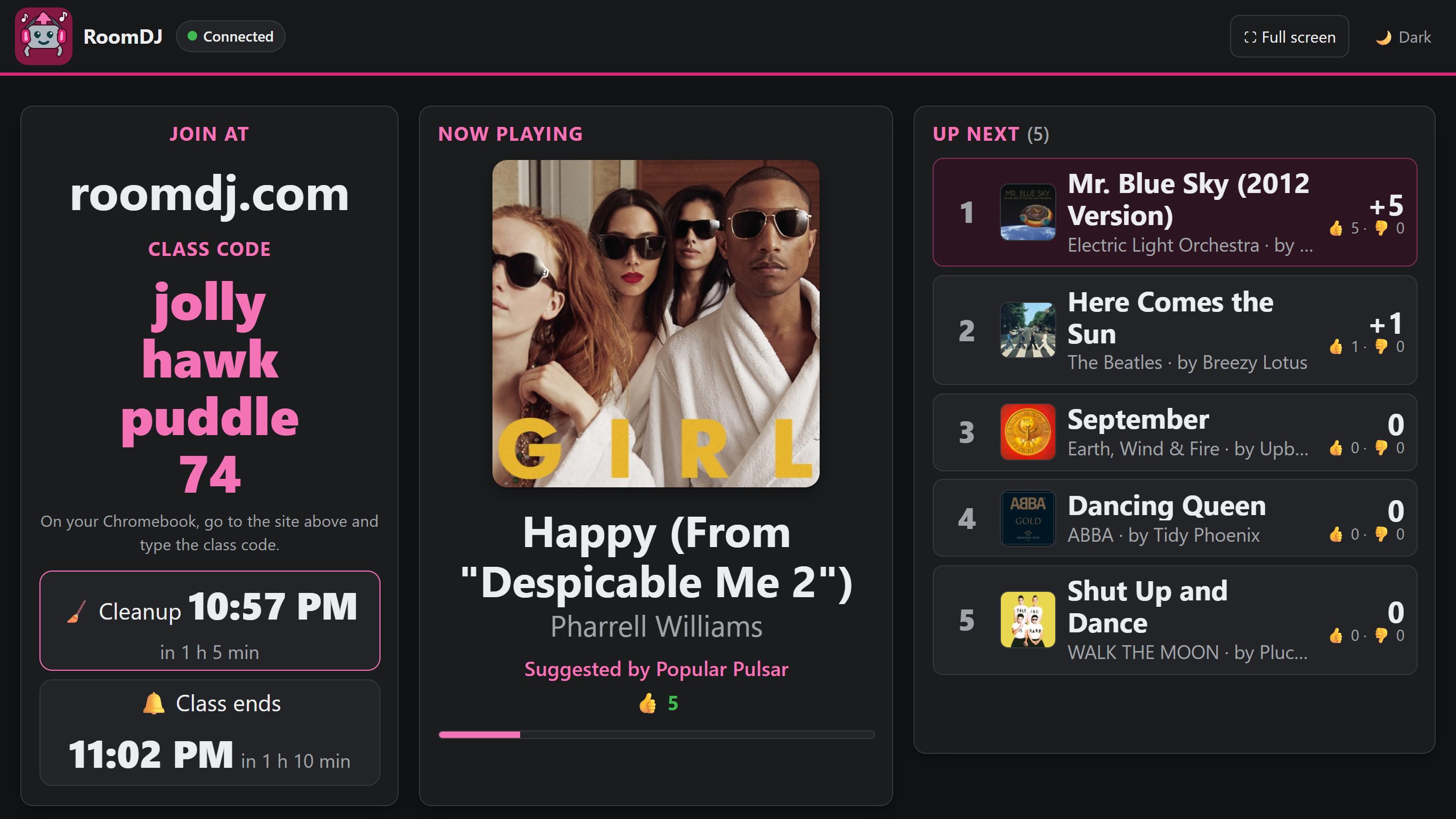
📺 Projector on a different computer? Open the board at roomdj.com/board on the projector computer. It shows the class code, what's playing and the votes, and plays nothing itself, so the music can come from your laptop or any other device.
What it looks like
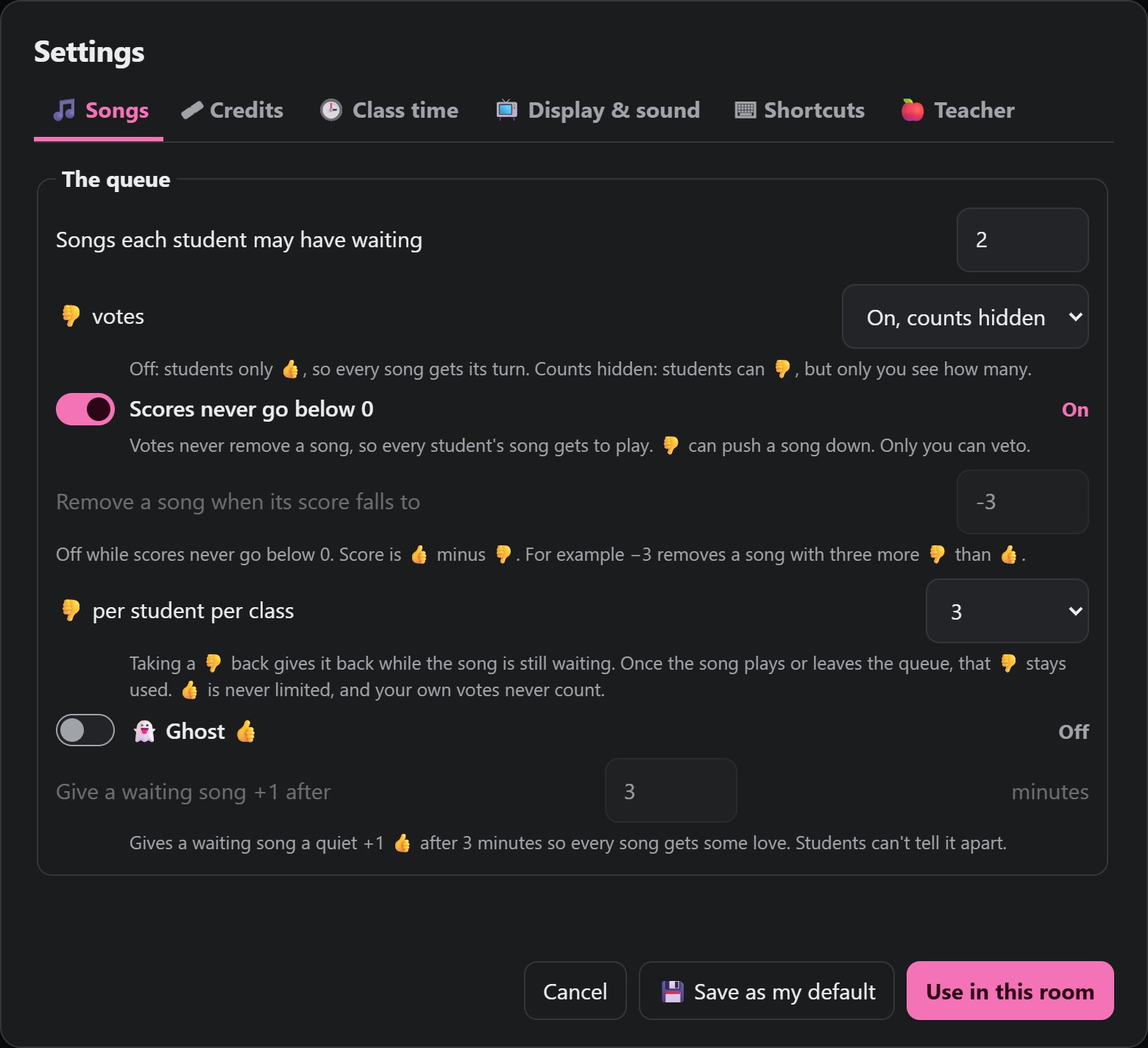
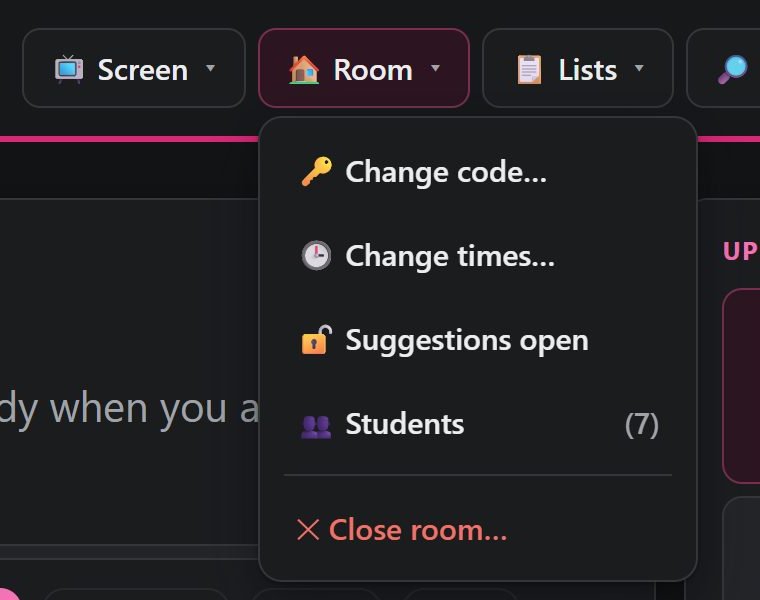
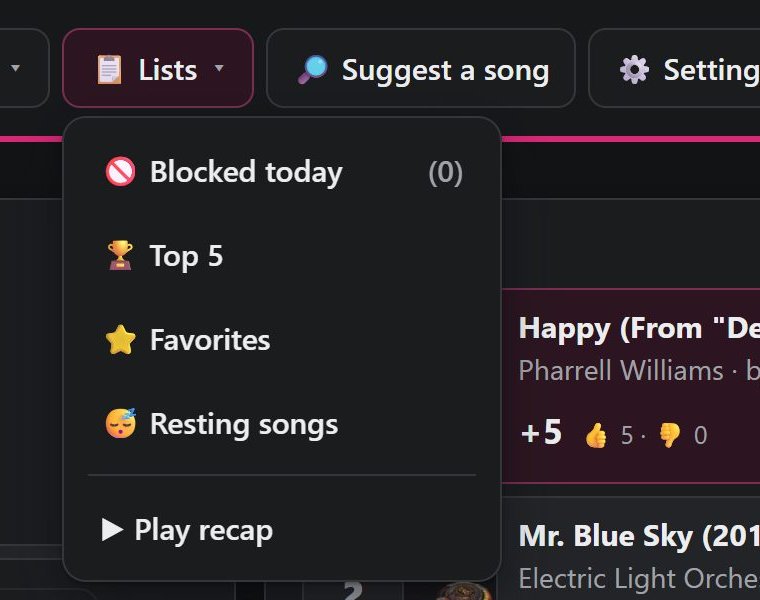
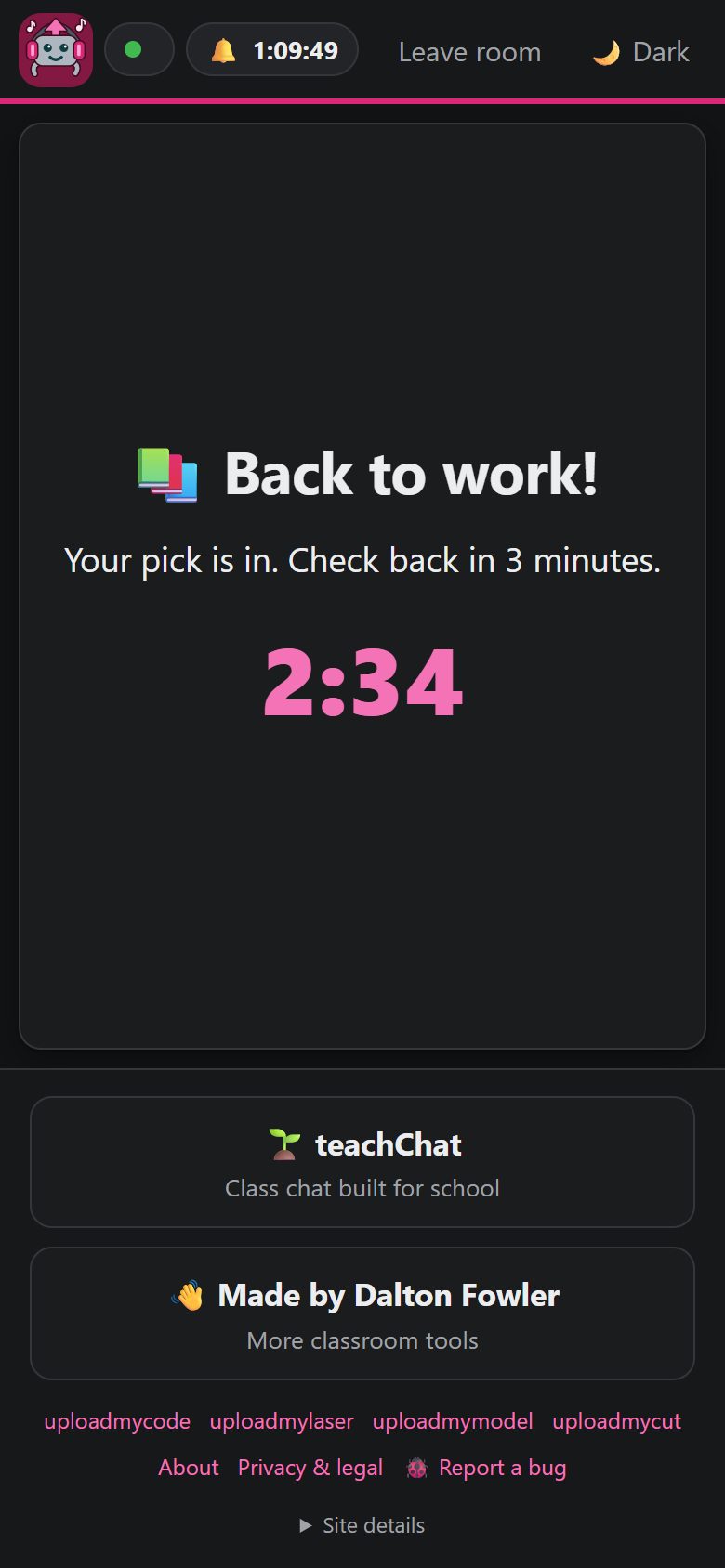
A real class on RoomDJ (tap any picture to see it full size).
What keeps it school-clean
- Explicit versions are swapped for the clean version, or blocked when there isn't one.
- Word lists, plus your own blocked words and banned songs.
- An AI check reads what each new song is about (drugs, drinking, violence and so on), and checks album covers too. When it isn't sure, the song waits for the teacher in "Needs a look" instead of slipping through.
- The teacher can veto, ban, lock suggestions, or play a pick of their own any time.
The checker is good, not perfect. It is not a replacement for a teacher in the room.
Students' privacy
- No student accounts, no names, no emails. Nicknames are made up for them.
- Students never touch Spotify. Only the teacher's computer plays music.
- A room's songs, votes and nicknames are deleted when it closes (at the end of class, or the end of the day).
Details in Privacy & legal.
What it costs
Nothing. RoomDJ is free for teachers: no ads, no payments. Each teacher needs Spotify Premium and a free "Spotify app" of their own, which takes about five minutes. Here's how.
Also by me
teachChat is my classroom chat tool, with polls and teacher moderation. More classroom tools at daltonjfowler.com.
RoomDJ is not made by or affiliated with Spotify or Apple. Spotify is a trademark of Spotify AB.